Questions IT people actually ask
What do I need to run it?
A single machine running Node.js 18 or newer — a small Windows server, a Linux VM, or anything that runs Docker, including a NAS. It uses a JSON file for storage, so there's no database to install or maintain. Memory footprint is roughly 30 MB.
Does it handle planned maintenance, or only outages?
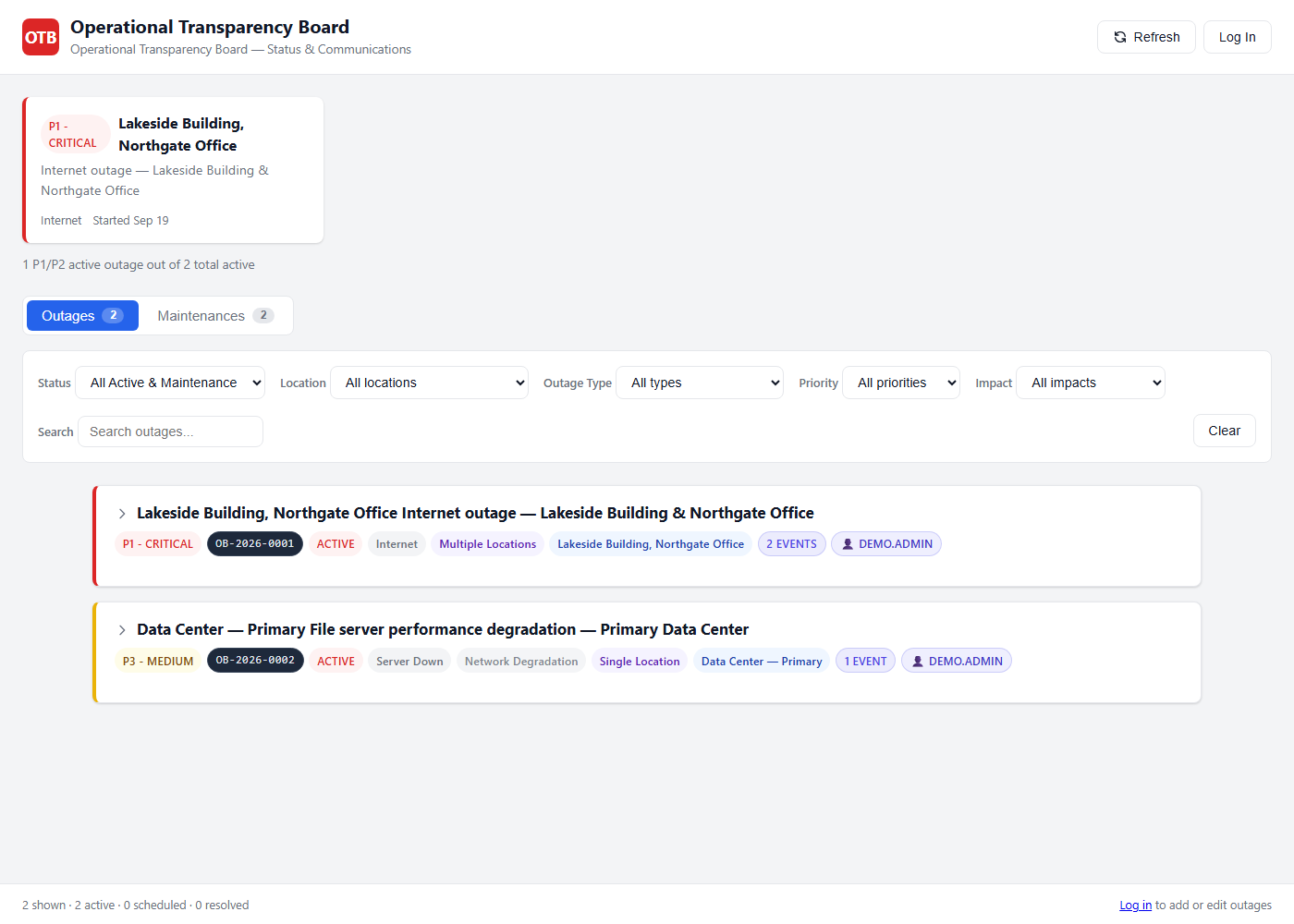
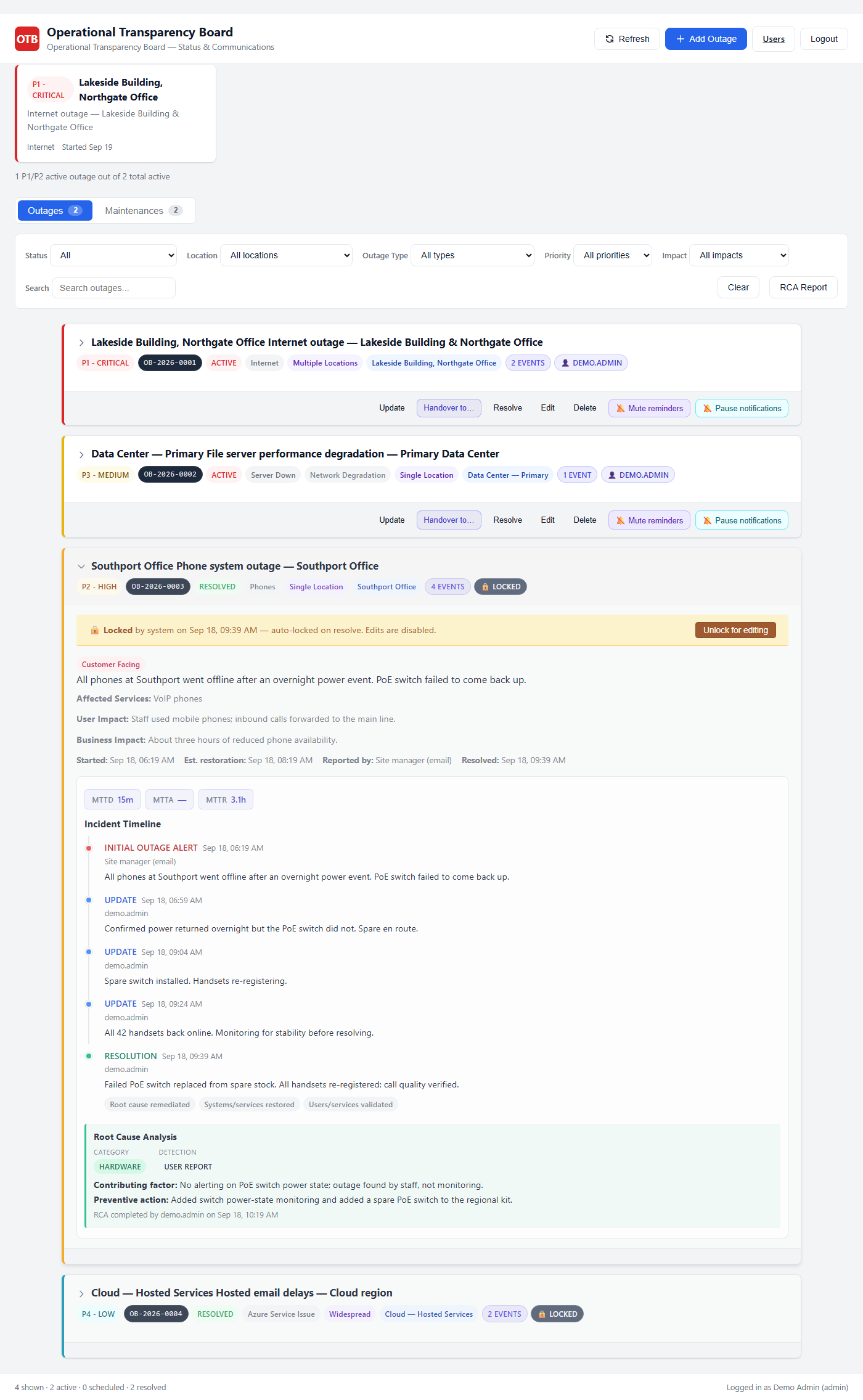
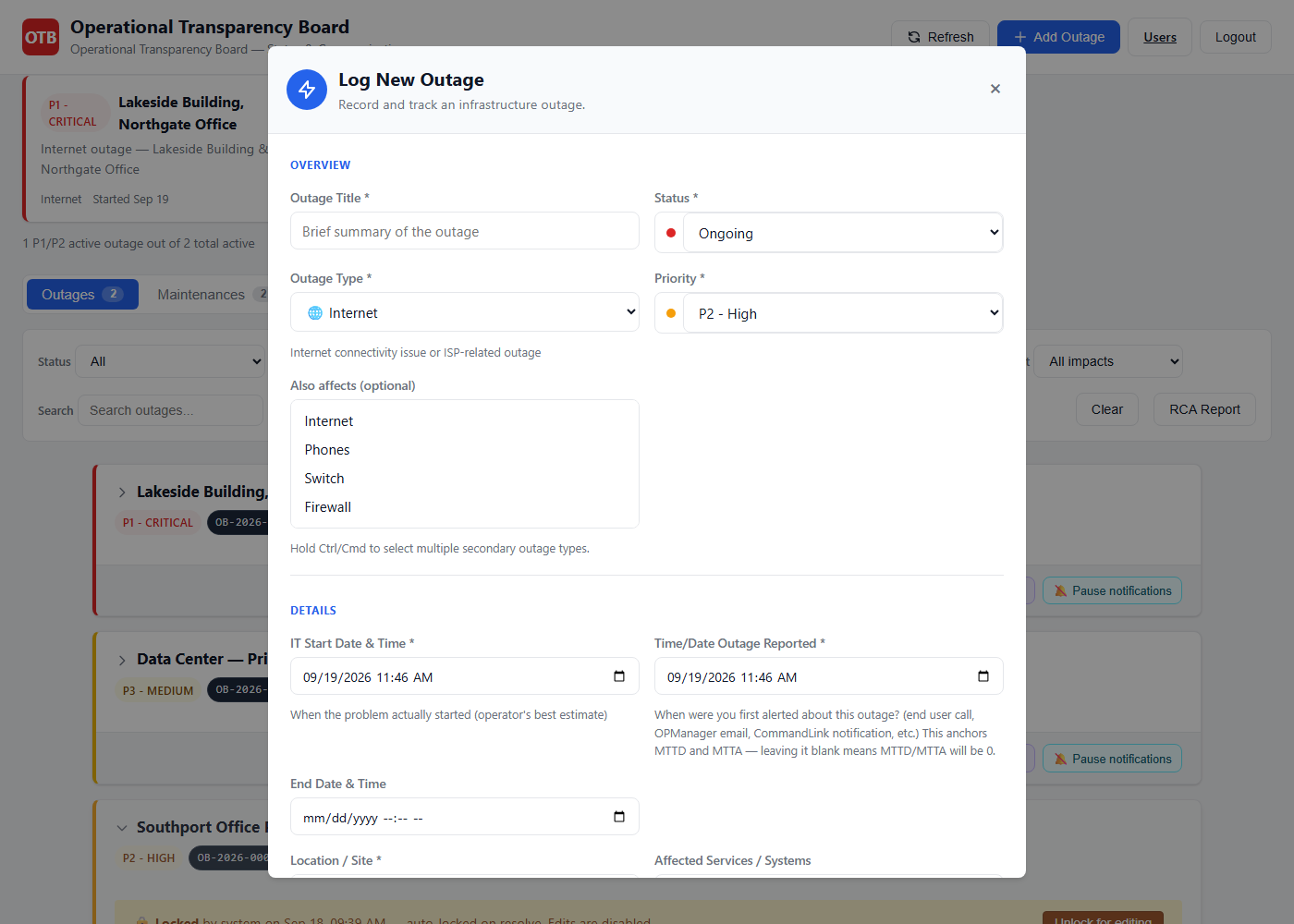
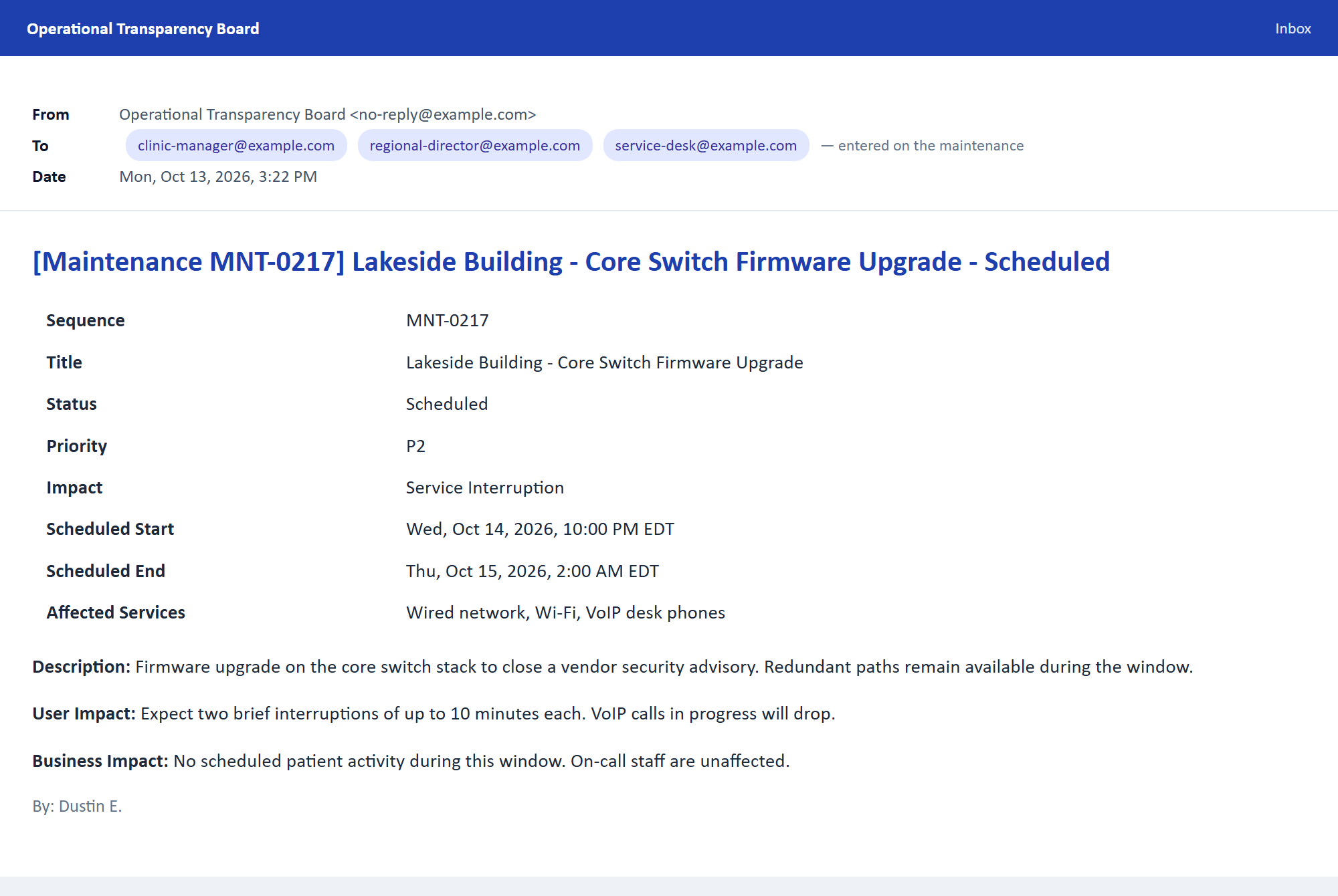
Both, and they're separate lifecycles. A maintenance window is scheduled in advance and moves through its own states — scheduled, started, completed, rescheduled — so planned work is never mistaken for an outage. Each state sends its own notification: staff hear about the window before it opens, again when work begins, and once more when it's finished. You can also tie a maintenance to the outage it caused, if it goes wrong.
How do people find out — do they have to keep checking the page?
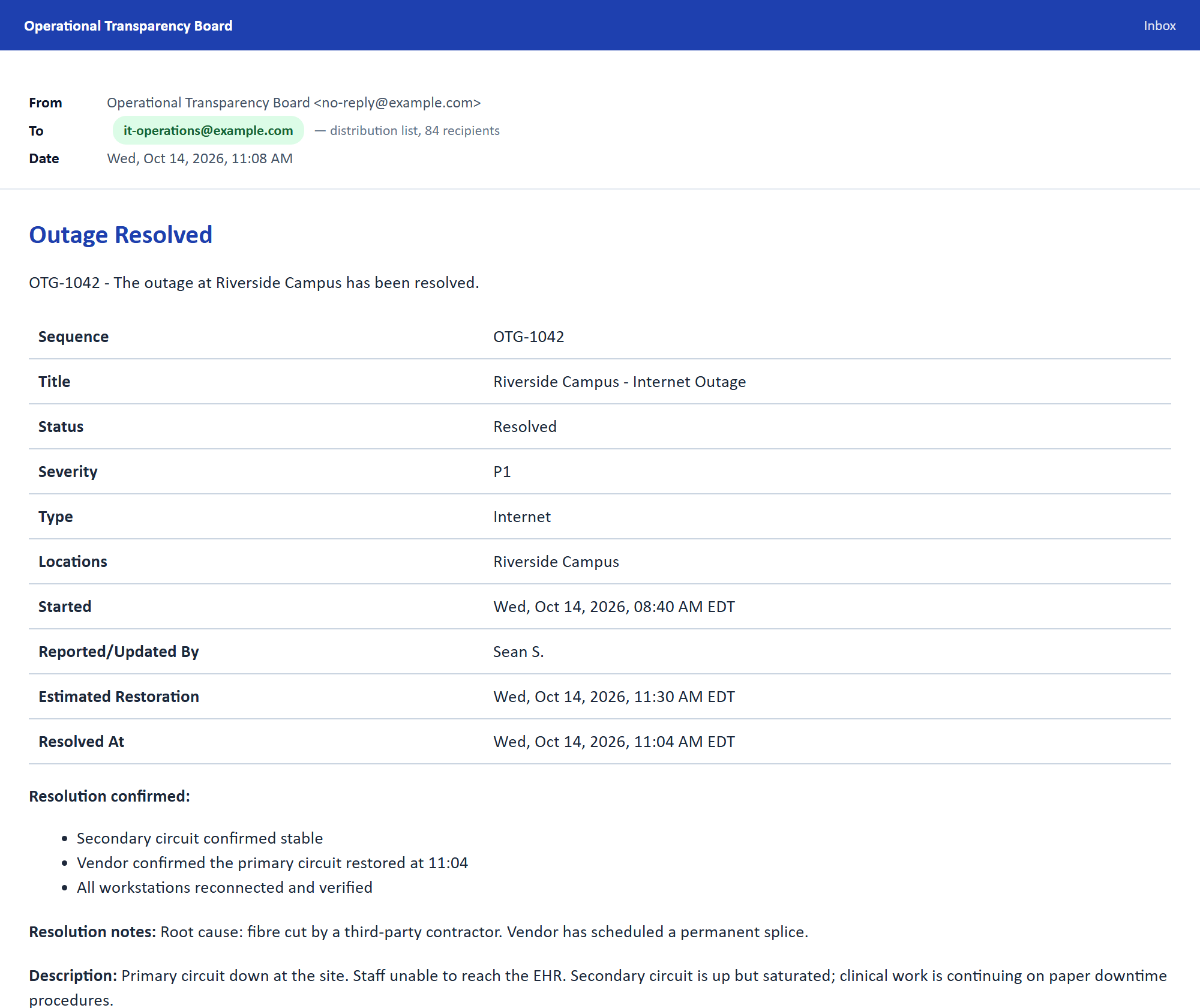
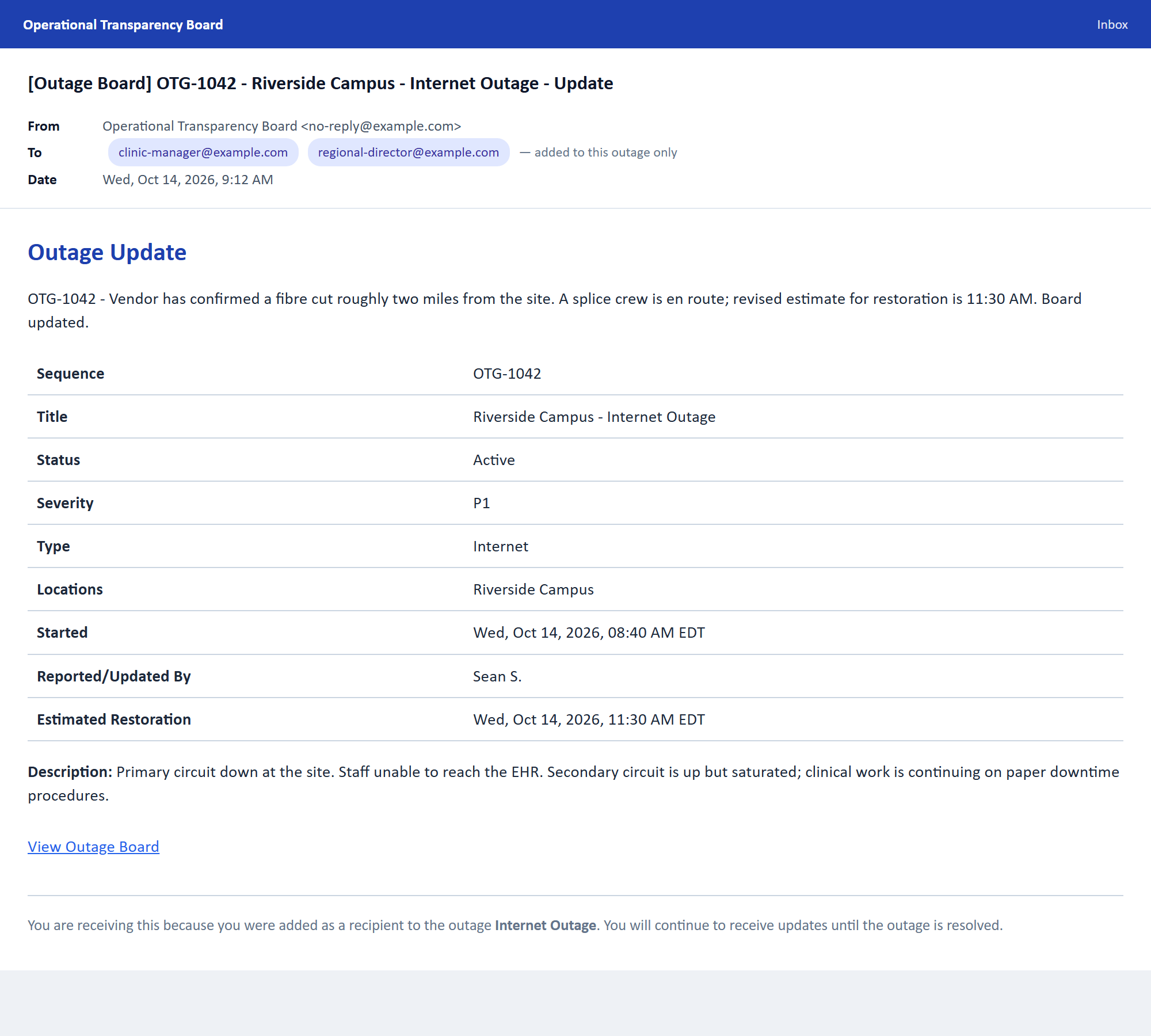
They don't have to check anything. Staff subscribe once and get an email for every change they care about, filtered to the locations and severities they choose. If you'd rather control the list, send to an operations distribution list so nobody is missed, or add named recipients to a single incident — a clinic manager, a regional director. Every email carries its own unsubscribe link, so nobody is stuck on the list.
Is it really one-time, or is that a trick?
It's genuinely one-time. The $399 buys a perpetual license for one instance, and the software keeps working indefinitely. The $199/year is optional and only buys you new versions and email support. If you stop paying, nothing is disabled and nothing breaks — you simply stay on the version you have. Buy during launch and that price is yours permanently: if the list price rises later, your license keeps the price you paid.
Does it phone home or send telemetry?
No. There is no telemetry, no analytics, no update check, and no license server. The license key is signed with an offline key pair and verified locally on the machine. The product works on an air-gapped network, and nothing about your outages ever leaves your infrastructure.
What happens if my updates lapse?
You get a dismissible reminder in the interface and nothing else. Every feature continues to work. If you later renew, you're back on current versions.
Can I stop staff outside my organization from seeing the board?
Yes. You can restrict self-service subscriptions to your own email domain, or keep the whole board internal by not exposing it beyond your network. Both are configuration, not code changes.
How many users can I have?
Unlimited viewers and subscribers — they don't have accounts, they just visit the page. Staff accounts (admins and editors who can post outages) are unrestricted too. A license covers one instance, not a headcount.
Is this safe for a regulated environment?
Because it's self-hosted and holds no patient, customer or financial data — only outage status and timing — it stays well away from the systems carrying regulated data. That said, you should have your own team review anything you deploy. The EULA and documentation are included so your security review has something to read.
What if I don't like it?
Email us within 30 days and we'll refund you, no interrogation. See the refund policy.
How do I get this approved internally?
There is a one-page datasheet written for exactly that — a manager with two minutes who wants to know what it does, what it costs, what you need to run it, and how it compares. It prints cleanly, and there's no padding on it.
The short version for a budget conversation: it's a one-time $399, not a subscription, so it doesn't create a recurring line item you have to defend at every renewal. Against a hosted status page at $99/month it pays for itself in about four months, and there's a 30-day refund if it doesn't work out.
Who makes this?
An IT infrastructure executive with more than 32 years in the field — the last two decades spent leading infrastructure for multi-site organizations, and most of that time running the unglamorous half of IT: networks, servers, endpoints, and the tens of thousands of small interruptions that come with keeping a dispersed workforce running.
The board was built out of a specific frustration. Running infrastructure across close to a hundred locations, the outages themselves were rarely the hardest part — the noise around them was. Staff walking over to ask whether the internet was down. The same question, six times, in a group chat. Nobody knowing whether a problem had been fixed an hour ago or was still degrading. And afterwards, no dependable record of what happened or why, which meant the same failures got diagnosed from scratch, repeatedly.
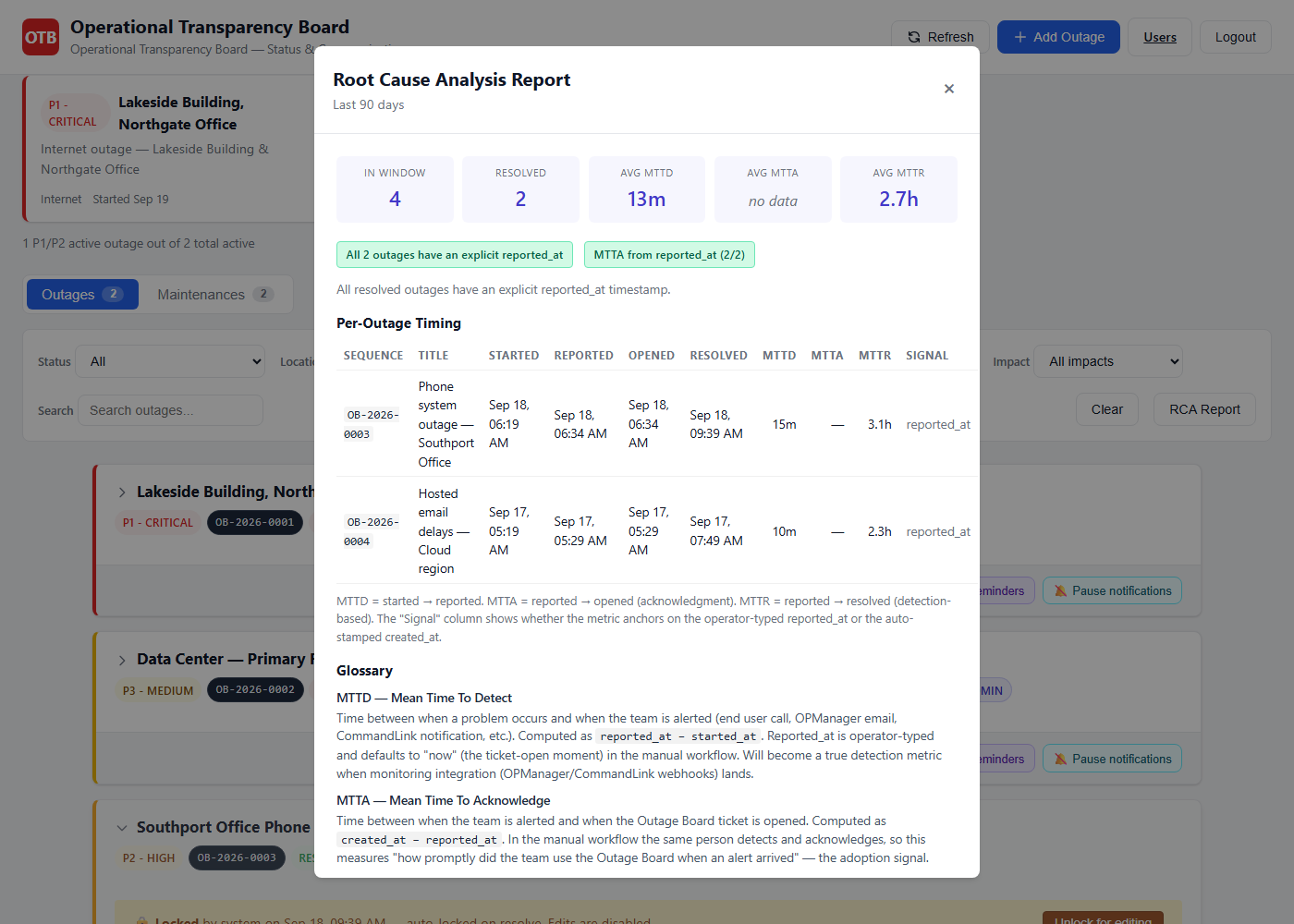
So it got built. One page, no login required, that anyone in the organization can check. Then it got used — daily, in production, for more than a year, across a genuinely multi-site environment. Every feature in it exists because it was needed: the incident lifecycle, the maintenance windows, the subscriber notifications, the root-cause categories, the automatic MTTD/MTTA/MTTR reporting. Nothing here is on the feature list because it looked good in a demo.
Two things shaped how it was built, and both are deliberate. It is self-hosted, because the environment it came from was one where incident data going to a third party's cloud was never going to be acceptable. And there is no telemetry, no phone-home and no subscription requirement, for exactly the same reason — a status board that has to reach the internet to keep working is a board that stops working precisely when you need it most.
So: not a weekend project, and not a product looking for a problem. It is a tool an infrastructure leader built to survive his own job, hardened by a year of production use, and then packaged so that other teams with the same problem don't have to build it themselves.